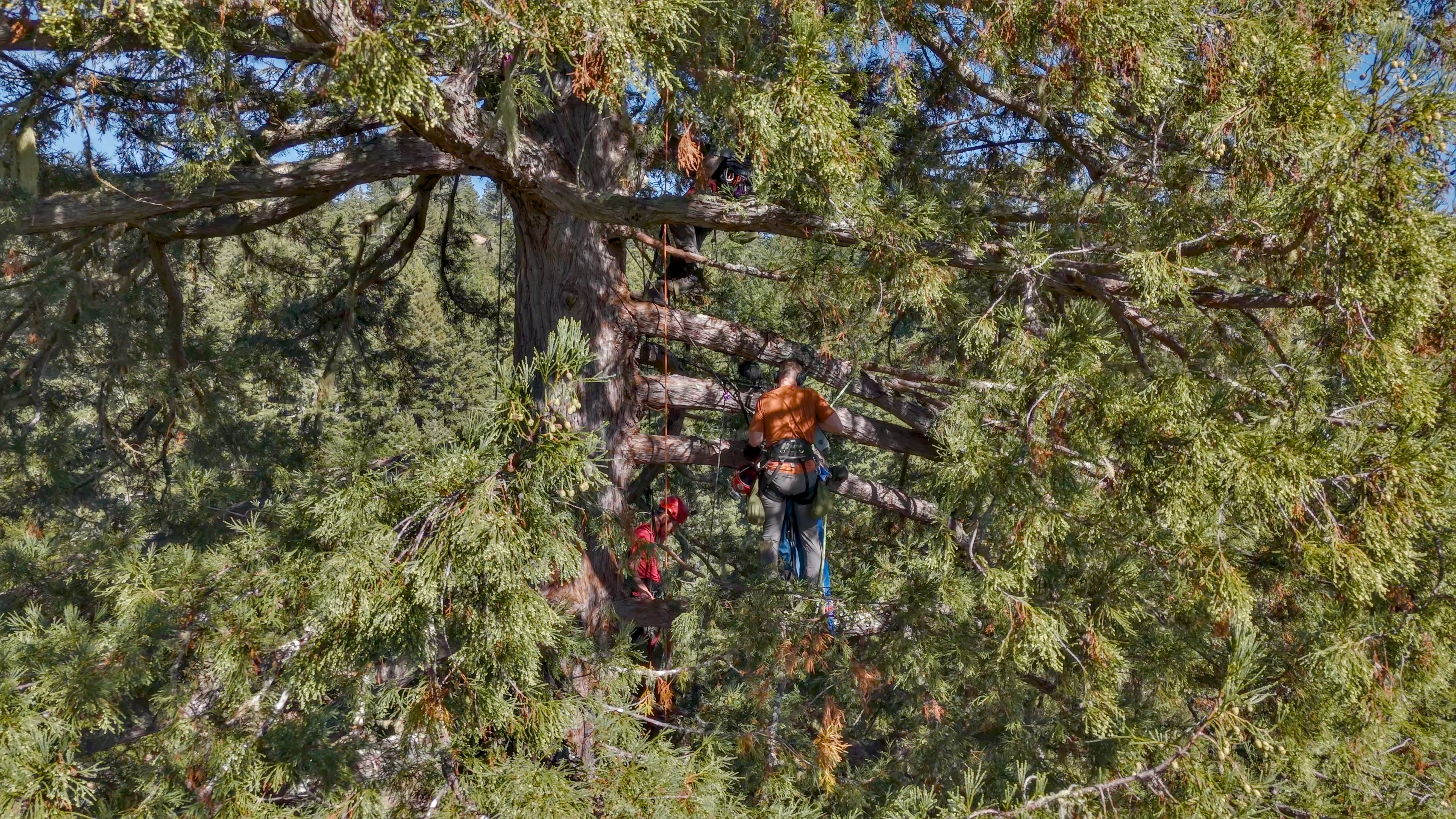
Recording the Crowds of Ready or Not
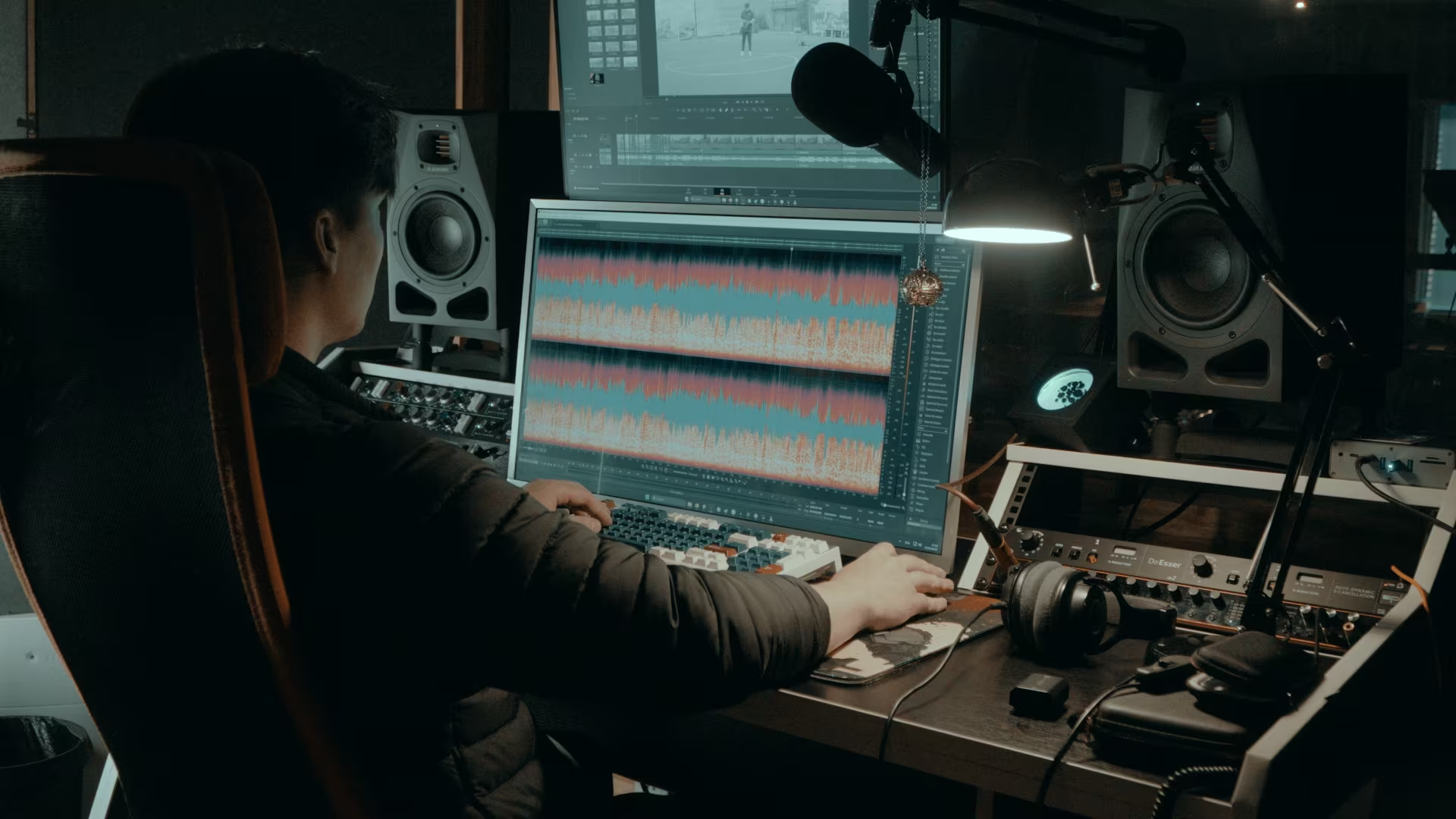
My name is Timur; I am a sound designer and founder of FlyingJuice studio. Over the past 10 years I've been lucky to work on games, commercials and short films, recording and designing sound effects, ambiences, and voices to support projects I work on.
This career is a series of contrasts; at times there are months being cooped up in the editing room correcting voice-overs, recording foley, digging through the libraries, and layering sounds. But also there are opportunities for a week-long trip on a boat to record the sea while fighting seasickness, capturing the sound of wildlife in a national park, or shooting firearms with combat-hardened instructors. Exhausted from hikes and airports, only to go back to the seclusion of the editing room to check the spectrograms and wave files. And I'm here for all of that.
The Challenge: The Sound of a City at its Boiling Point
The crowd recording session came from my work on the Boiling Point DLC for Ready or Not. The audio team knew from the start that Boiling Point would be a major undertaking. In the world of Ready or Not, the city of Los Suenos is at a literal boiling point—citizens are protesting, clashing with law enforcement, and rioting. Beyond the grandiose spectacle of chaos, I wanted to include a personal touch to the sound of the city's people.
Living in Shanghai presented a unique opportunity. The city's international community made it easy to find actors with American and Spanish accents. This was the key in representing Los Suenos, the game's fictional version of Los Angeles. Since I was after crowd reactions, specific regional accents weren't going to be under a microscope; the collective energy was more important.
The Session: From Rooftop to Recordings
I rented out a rooftop football field in a less busy part of Shanghai. This was ideal for eliminating most of the unwanted street noise of the city and away from the general public so as to not alarm citizens as to why there is a small gathering of people seemingly protesting about nothing in particular.
We had 11 actors, but we were going to use layering and editing tricks to multiply that number into a convincing crowd. Recording on the rooftop still imposed a few issues like VAC units humming and distant traffic, but the nature of theperformance—loud chanting and high-energy vocalizations reduced the need for surgical noise removal and still provided the open-air atmosphere that would be harder to achieve in a soundproof studio.
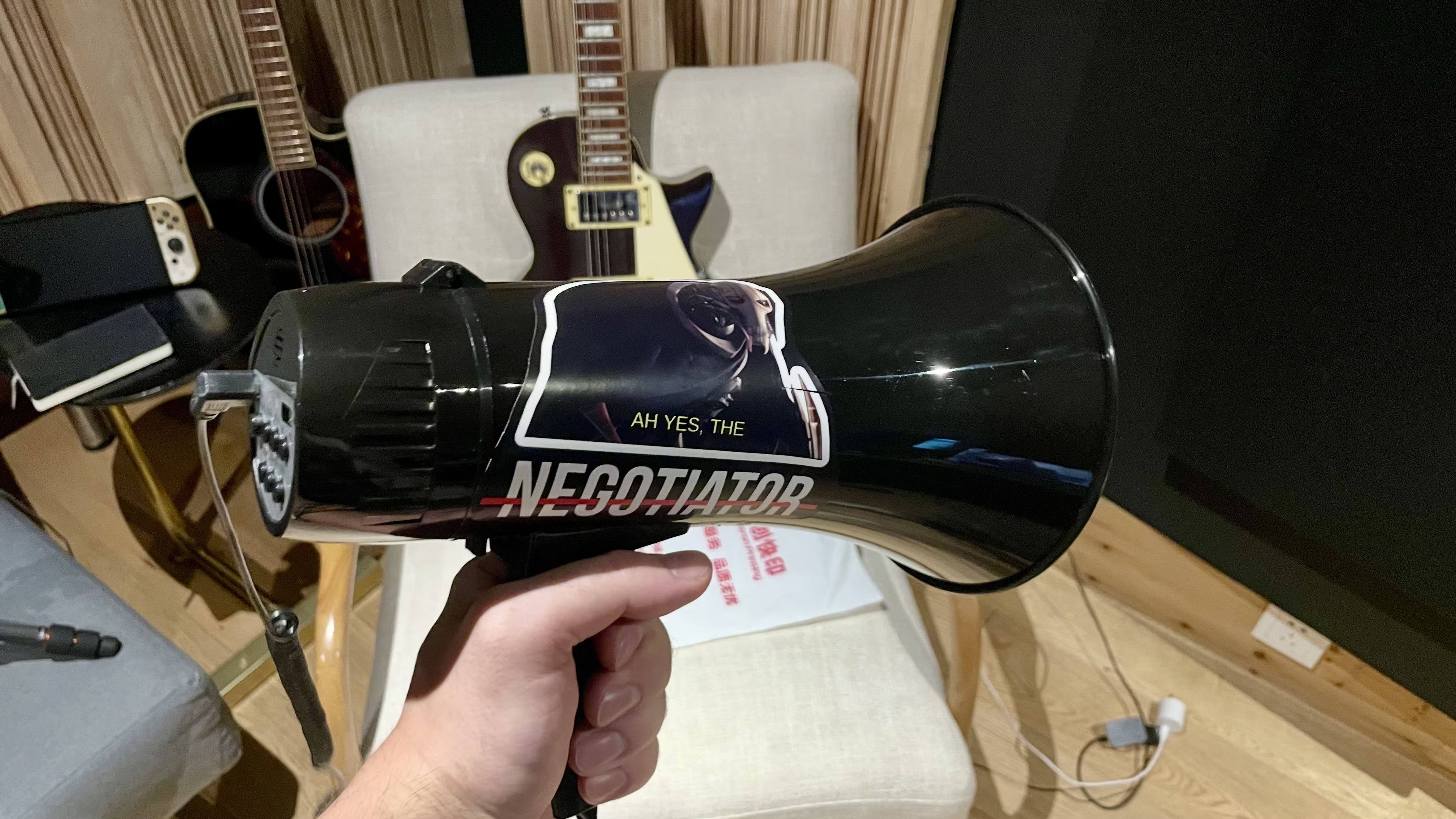
For the setup, I used two Lewitt LCT 540 S microphones in ORTF configuration at about 15 meters' distance, paired with a trusty Sennheiser MKH 416 to get up close to the individual actors.I recorded a range of expressions: discontent chatter, agitated wails, angry wails, reactions to danger, screams, and protest chants. There was a spur-of-the-moment when an actor, Kuan Tong, stepped up to be a leader of the gathering, which was our last take at the end of the session.He was doing the lines with so much energy I handed him the loudspeaker I was using for coordination; this ended up being such a good take I had to use it in the final edit.
The Edit: Making 11 Sound Like a Crowd. After the session, the real work began. Transforming 11 actors into a mob. The editing process was fairly straightforward, a gentle cleanup in iZotope RX 11 followed by organization in the DAW. Doubling the chant layers of the group was a simple trick to give a sense of a larger mob, but that wasn't quiet enough for the overall soundscape the city demanded.
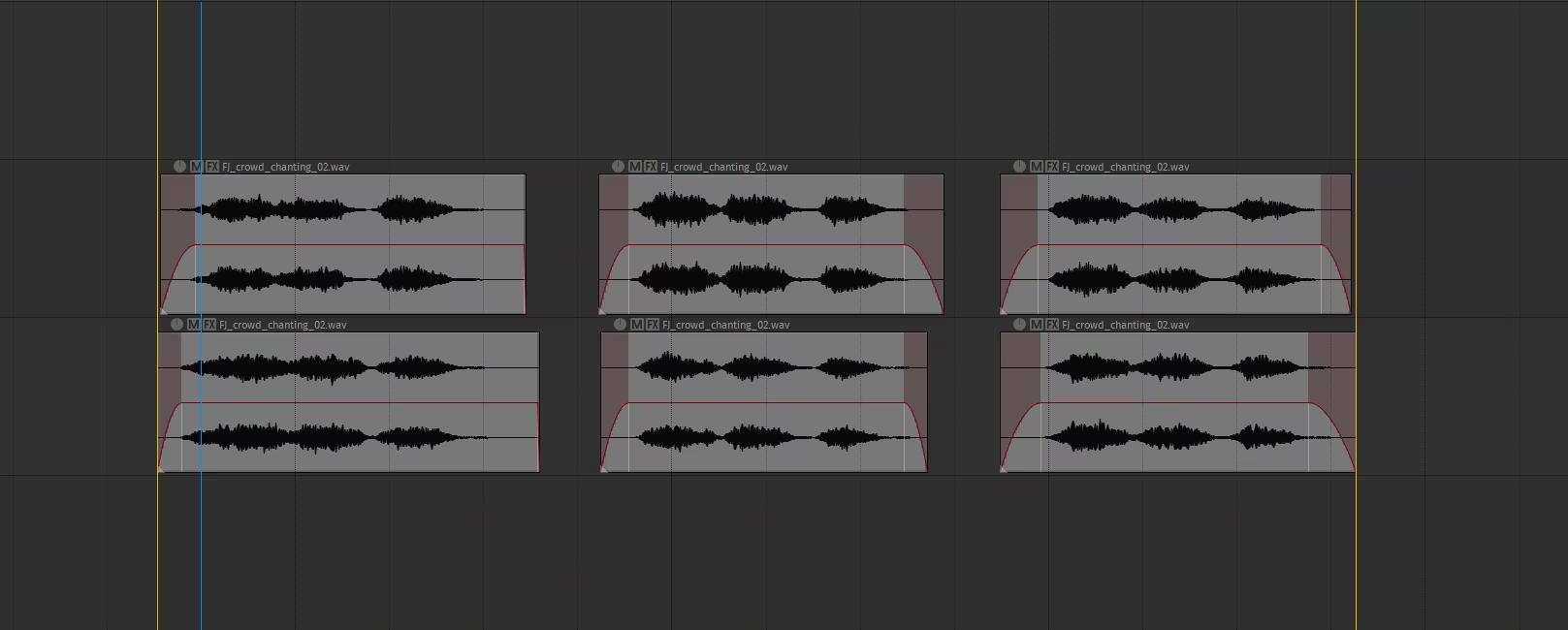
To truly scale the crowd, I turned to Sound Particles. By taking combinations of voices and deliveries and triggering them in a surrounding granule, I was able to build a convincing cacophony of voices from a much larger group. In-game, this layer can be heard as a main ambience bed or a large emitter in the direction of the protesting crowd.